Health
Nobody types “at risk” into SRP. Health is computed from the work itself. You cannot set it by hand, and it cannot go stale.
The four values
Section titled “The four values”| Health | Meaning |
|---|---|
| On track | Nothing under it is late, blocked, unowned or stale. |
| At risk | Something under it needs attention before it becomes a miss. |
| Critical | The promise is failing, or the plan cannot fit the team’s time. |
| Unknown | Not computed yet, or the object has nothing to be measured against. |
Where health lives
Section titled “Where health lives”Health lives on objects that have a deadline and a boundary: tasks inside an active iteration, iterations, work items and initiatives. Projects do not. A task outside an iteration has no health either: there is no window to be late against, and the backlog would always be red.
Tasks and work items are the pieces. Iterations and initiatives are the containers, and each one inherits the worst health of its pieces, then adds what only it can see.
Reasons on tasks and work items
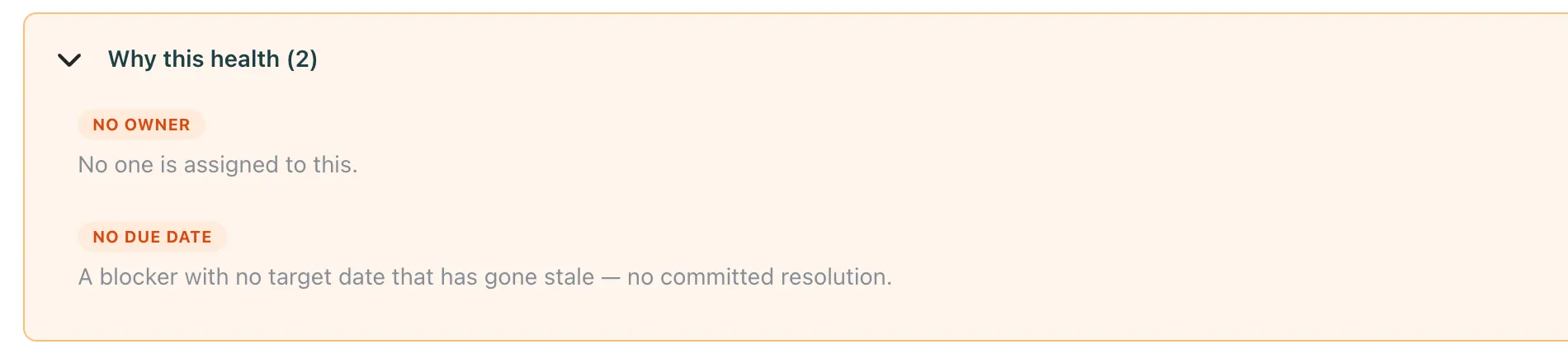
Section titled “Reasons on tasks and work items”A task’s or a work item’s health comes with reasons. Each reason names a condition and, when the cause is a linked entity, which one. A work item can be overdue, due soon, stale, blocked, without an owner, without a due date, or carry more effort than fits before its due date. The same conditions on a task, issue or iteration linked under it surface as linked reasons that name the cause.
Reasons on initiatives
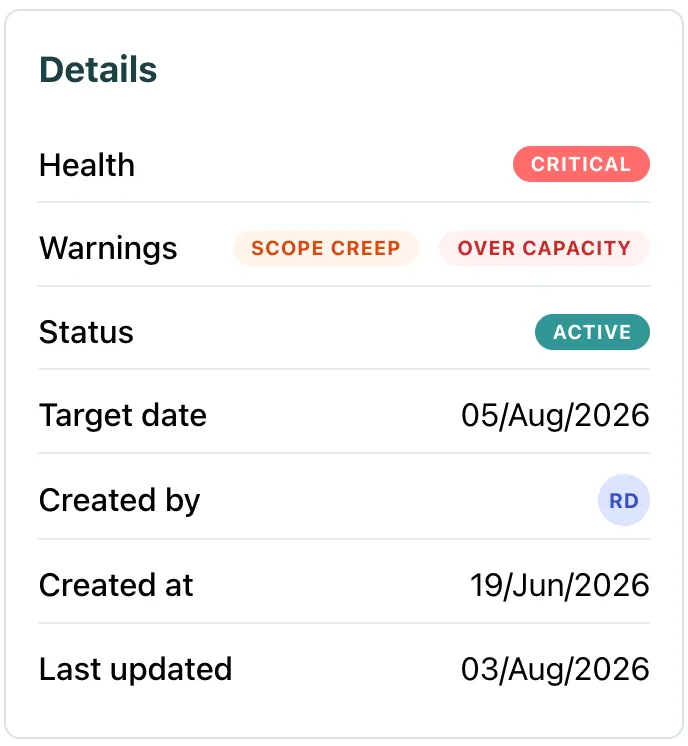
Section titled “Reasons on initiatives”An initiative inherits the worst health of its work items. On top of that, it watches the promise itself: a target date that has passed, scope added after the plan was set, open work that does not fit the team’s capacity before the target date, and a budget that is exhausted or burning faster than the work closes.
The budget reasons need a budget and burned hours on the initiative, typed by hand or synced from Harvest or Toggl.
Tasks in an iteration
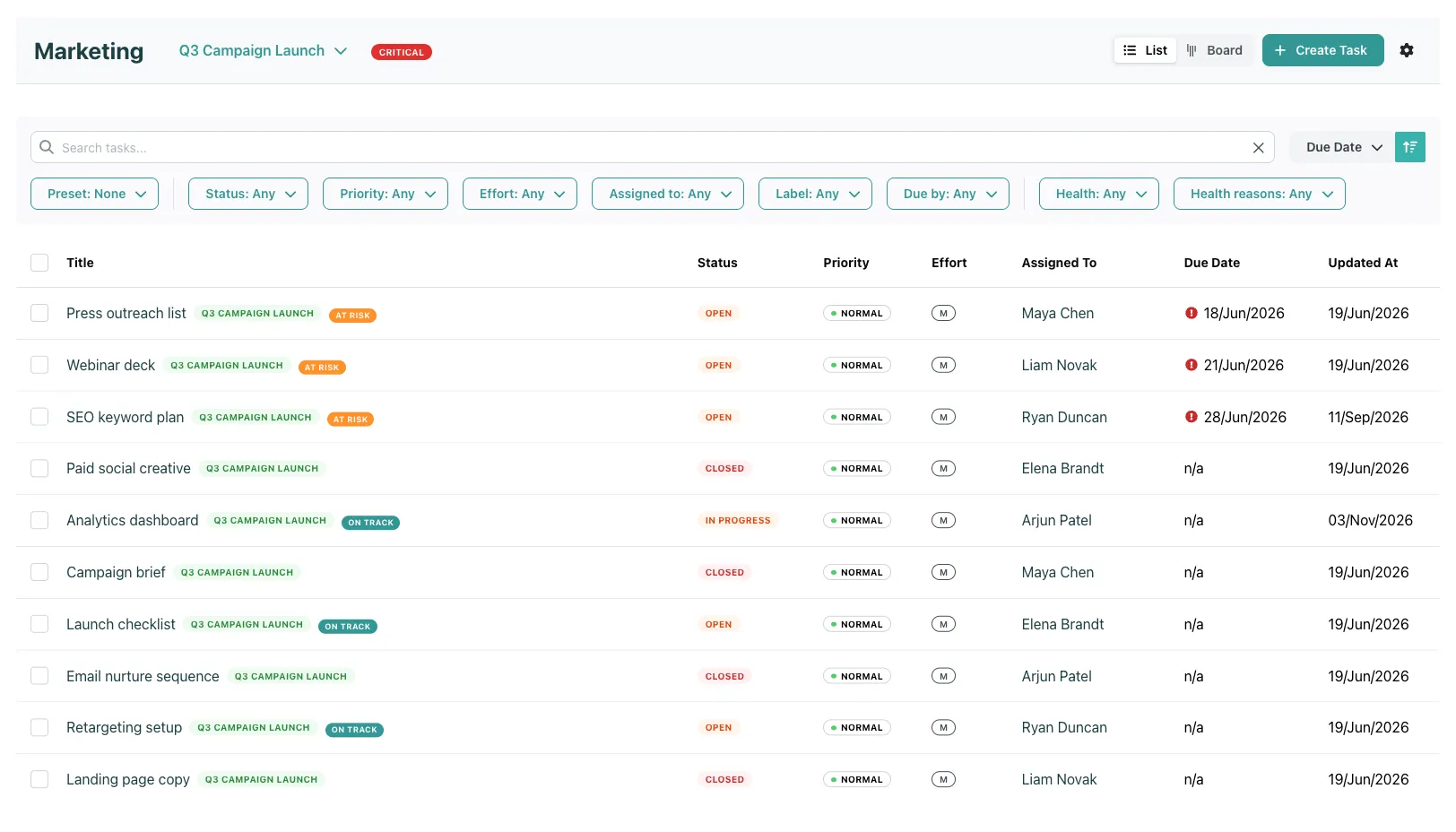
Section titled “Tasks in an iteration”When an iteration is active, every open task in it is measured: overdue, due soon, blocked, without an owner, with an owner who left the team, or carrying more effort than fits before its due date. The task shows its badge next to its iteration in the project task list, and its detail has the same “Why this health” panel a work item has. Filter the project task list by health or by reason to find the tasks behind a red iteration.
When the task leaves the iteration, or the iteration completes, the task’s health goes back to unknown. The reading belongs to the window, not to the task.
Iteration health
Section titled “Iteration health”An iteration inherits the worst health of its open tasks. On top of that, it watches its own time-box: behind pace when more of the time has gone than of the work is closed, end date passed with tasks still open, and open work that does not fit the assignees’ capacity before the end date. Those show as the iteration’s reasons, on the dashboard widget and in the badge next to the iteration on the project page.
Only an active iteration is measured. Planned, completed and cancelled iterations, and iterations without a usable start and end date, read unknown. A work item that links the iteration reads “Linked iteration behind” while the iteration runs, and “Linked overdue” once its end date has passed with the iteration still open.