Initiatives
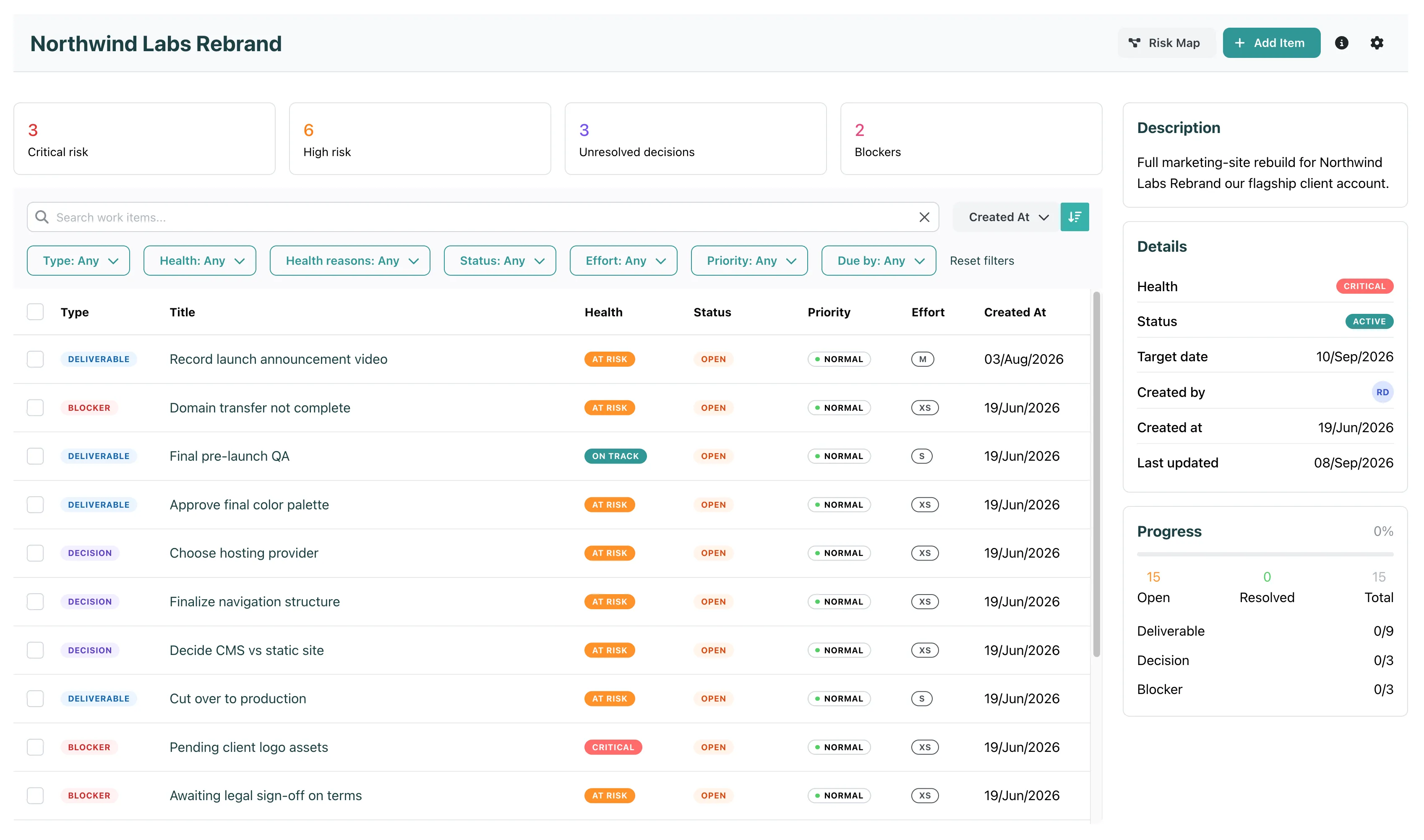
Work → Initiatives lists every initiative with its health, status and target date. Filters include health and health reasons, so “every plan that does not fit” is one filter: Health reasons: Over capacity.
| Field | Values |
|---|---|
| Title | Text. |
| Description | Rich text. |
| Status | Draft, Active, Paused, Completed, Cancelled. |
| Target date | Optional. Without it there is no capacity verdict. |
| Budget from Harvest, Budget from Toggl Track | Optional. The tracker project whose budget and hours the initiative follows. Shown when the tracker is connected; a Tracker field picks between them when both are. |
| Budget hours | Optional. Typed by hand, or locked to the tracker project. |
| Burned hours | Optional. Typed by hand, or locked to the tracker project. |
| Health | Computed. On track, At risk, Critical, Unknown. |
| Warnings | Scope creep, Over capacity, Tight capacity. |
Overview
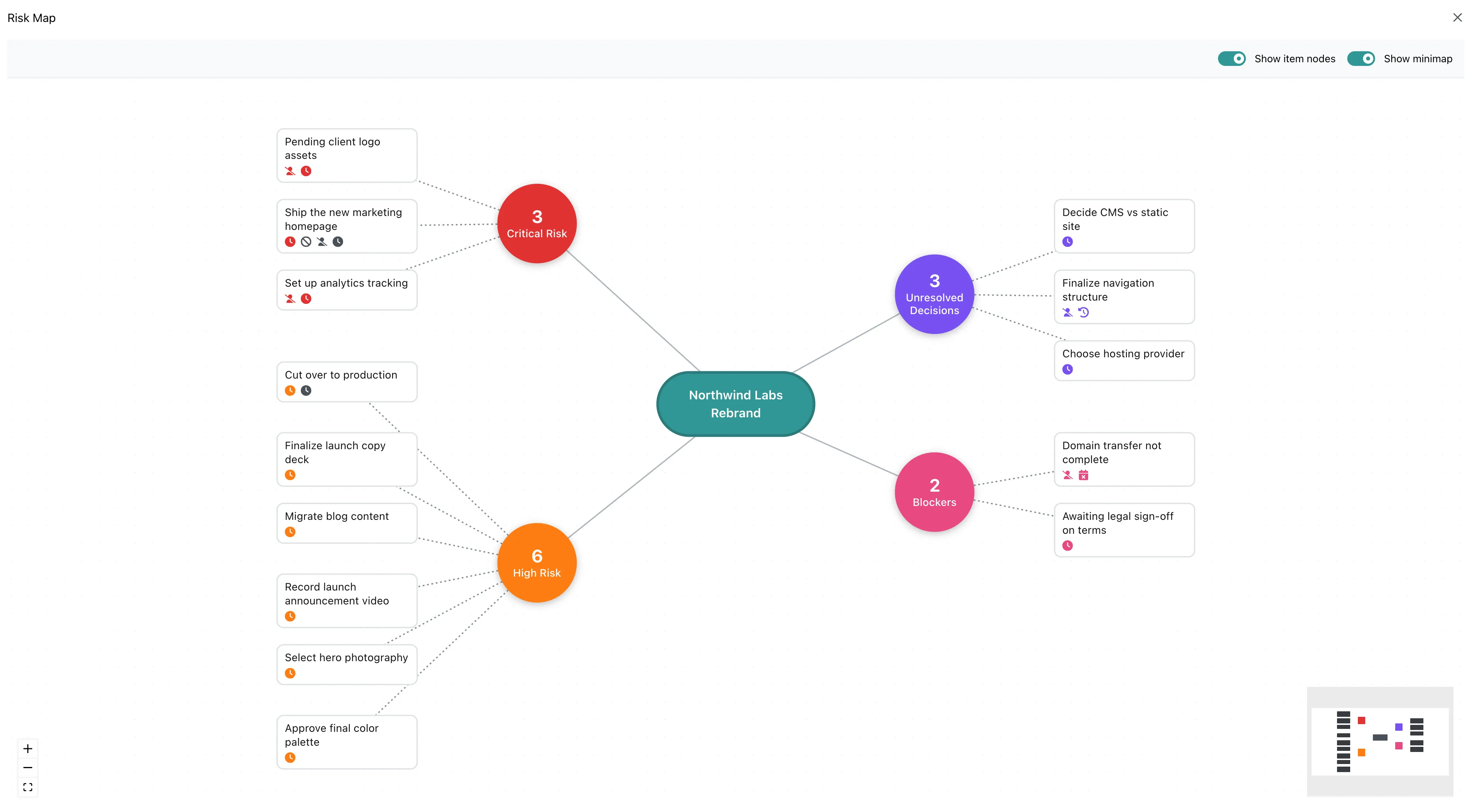
Section titled “Overview”A map of the initiative. The center node is the initiative. Around it, clusters group the work items by risk: critical, high risk, unresolved decisions, blockers. Toggle item nodes and the minimap. The right panel shows description, details, and progress by type. Details include the budget as burned of total hours, turning red when the budget is exhausted. With a tracker project mapped, a sync control next to it shows the last sync time and queues a sync now.
The work items as a table. Search, filter by type, health, health reasons, status, effort, priority and due date. Sort by any column.
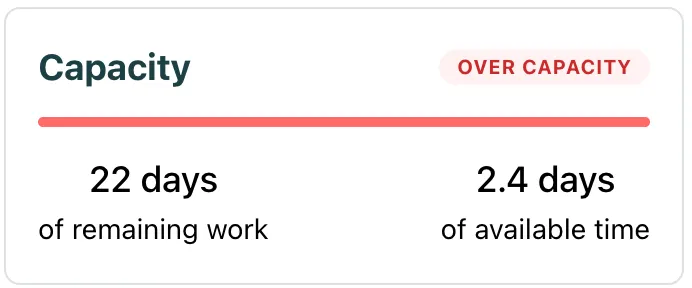
Capacity panel
Section titled “Capacity panel”Shown when the initiative has a target date and assigned work. Days of remaining work against days of available time. See People and capacity.