Create a company
-
Go to hellosrp.com and sign up with your email. You start on a trial, no card needed. When the trial ends you can move to the Free plan, which never expires.
-
Open the activation email and click the link. It signs you in and sends you to the company setup page.
-
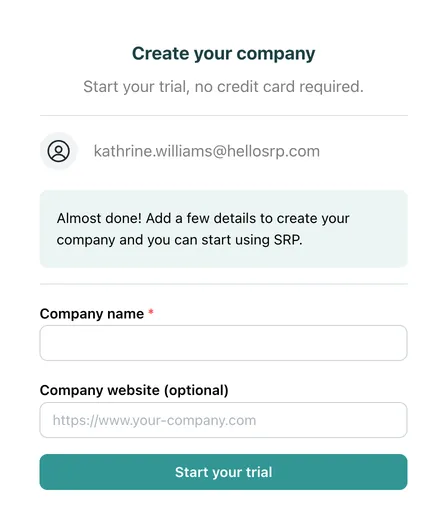
Name your company. The website is optional. Everything you add lives in this company.
-
Your company is created and you land on the dashboard. It is empty until you add people and work.